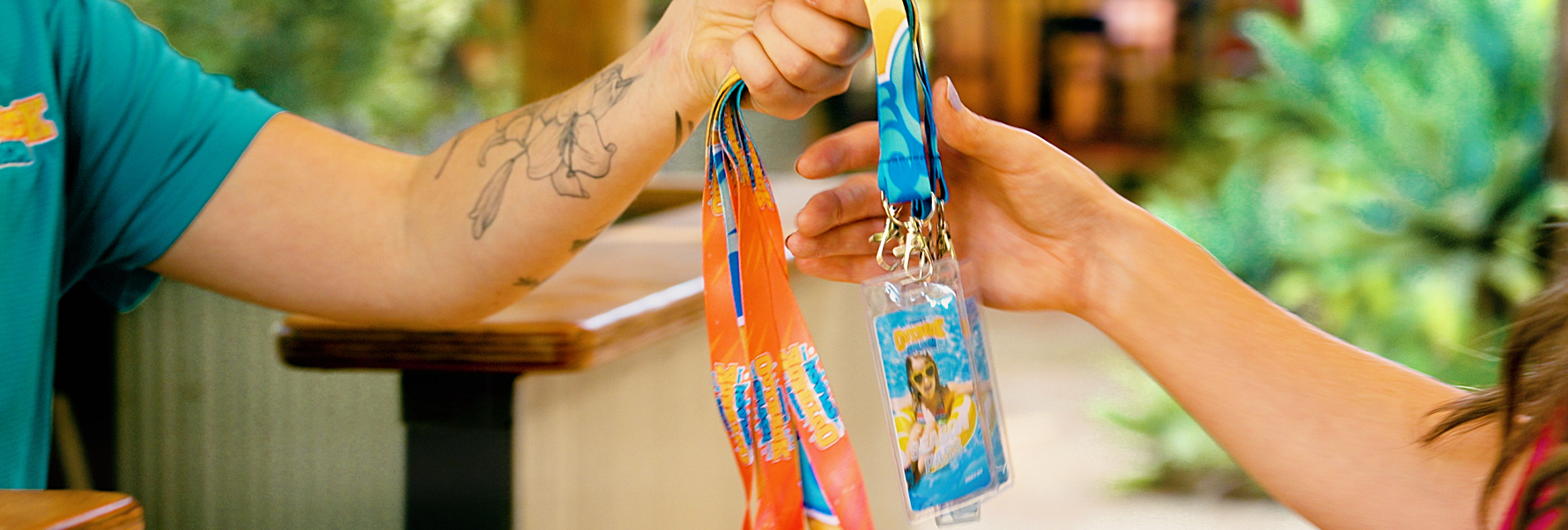
Membership Photo Requirements
Good photo
- One Member only
- Face clearly visible
- Shoulders up
- Recent and passport-style
- Clear, in focus and well lit
- Looking towards the camera
Not accepted
- Other people or group photos
- Full-body images
- Sunglasses
- Filters or effects
- Hats, costumes or objects covering the face
- Dark, blurry or heavily cropped images
How to Submit Your Membership Photos
Option 1: Upload During Purchase
When purchasing your Season Pass online, you can upload a photo for each Member while completing their Membership details.
Photos uploaded during checkout must be under 500KB. Files larger than 500KB will not upload and you will not be able to continue to the payment page.
Please check the photo requirements below before uploading.
Need help reducing the file size?
Option 2: Submit After Purchase using WhatsApp
You can complete your purchase without uploading photos. Please submit each Member’s photo as soon as possible after booking using the WhatsApp link in your Membership email.
Please include:
1. Booking ID
Found in your Membership email.
2. One photo per Member
Send a separate photo for each Member.
3. Member’s full name
Add the Member’s name as the photo caption.
Where possible, send each photo separately so our Team can match photos quickly.
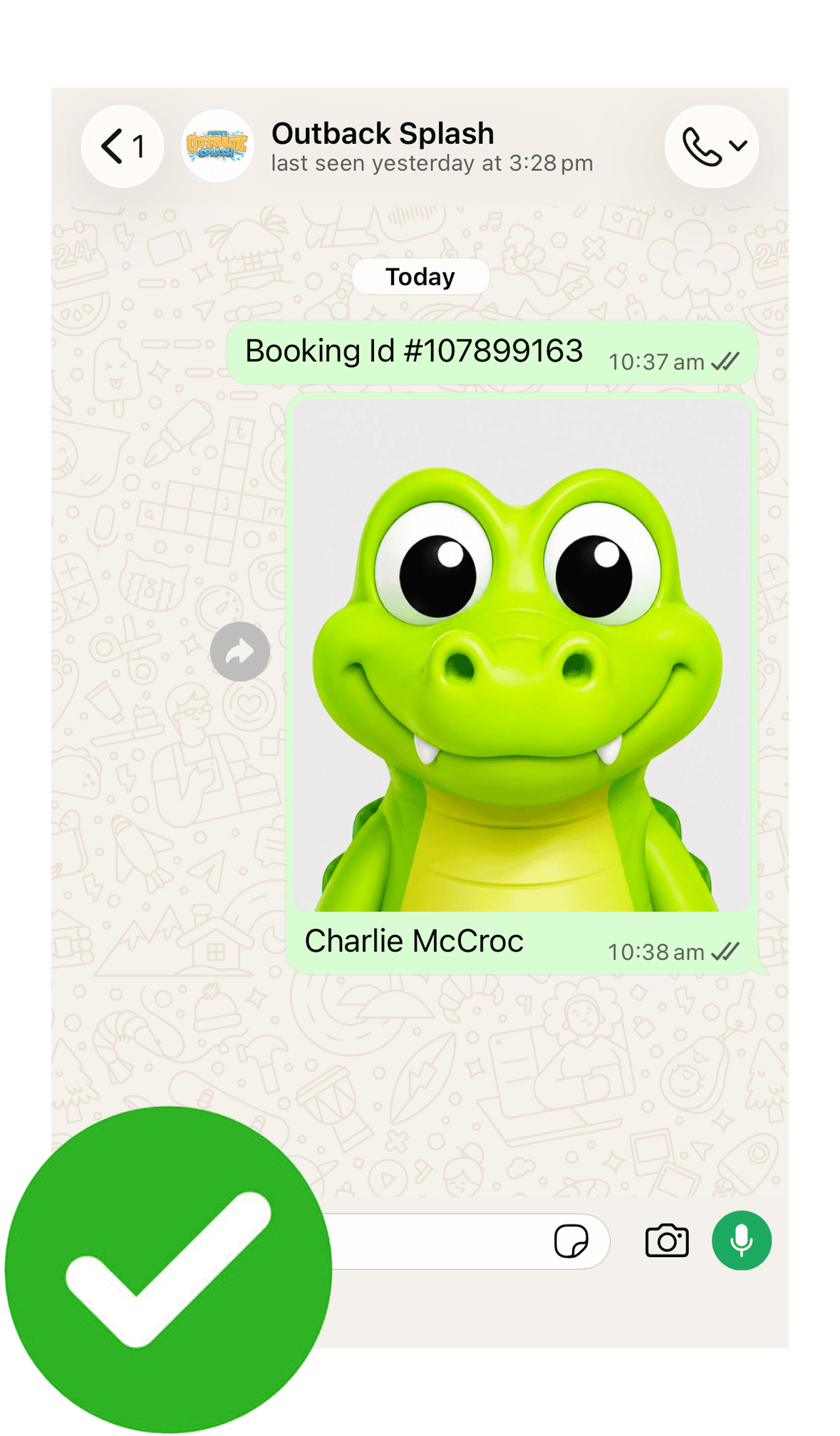
Include your Booking ID, then send one photo for each Member with their full name clearly written in the caption.
Send each Member’s photo separately where possible.
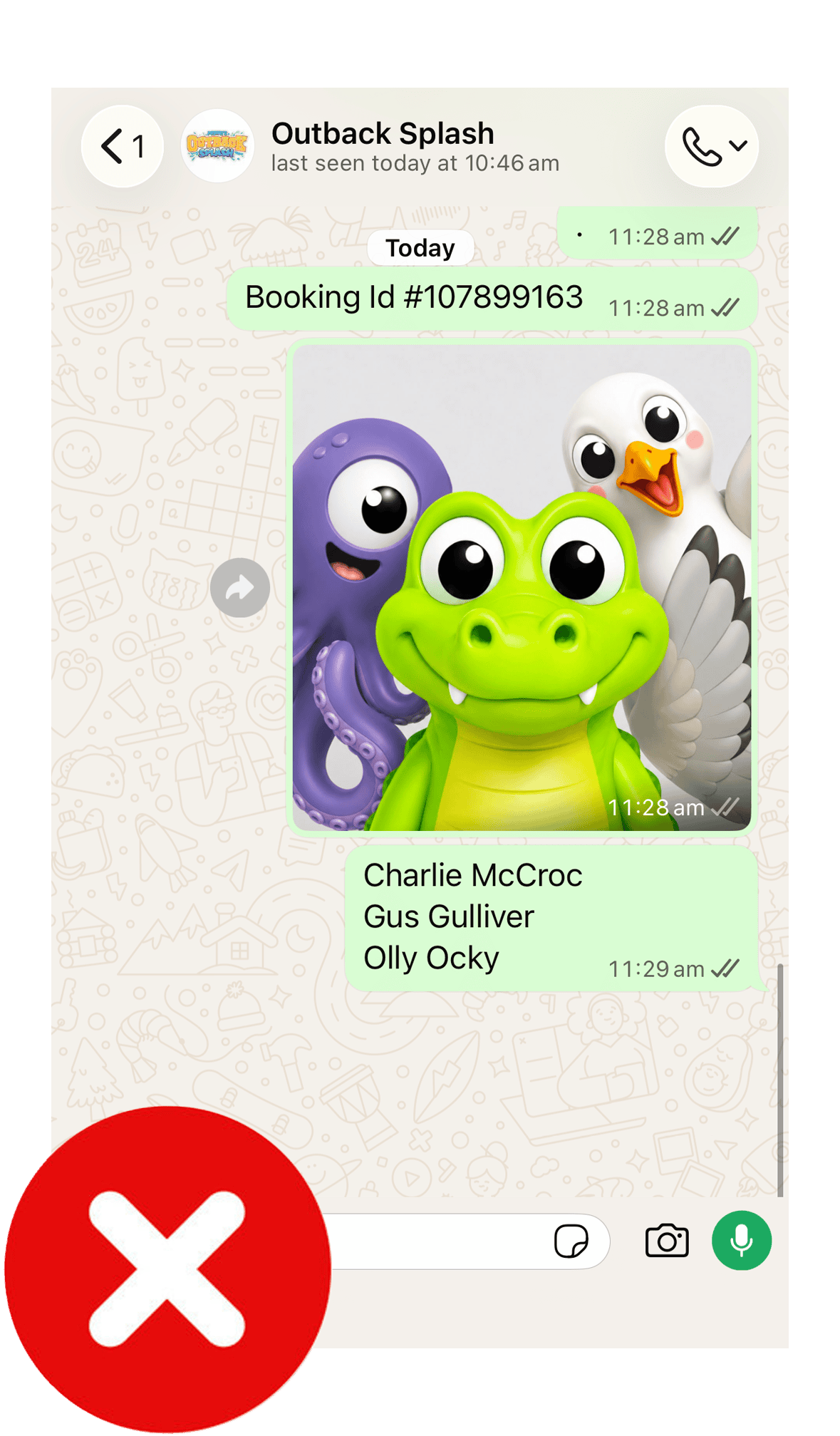
Do not send a group photo with a list of names and expect our Team to identify each person.
Each Member requires their own clearly labelled photo.
Option 3: Submit After Purchase by Email
You can complete your purchase without uploading photos, but each Member’s photo must be submitted as soon as possible after booking.
Forward your Membership email to info@outbacksplash.com.au and attach one photo for each Member.
Clearly label each photo with the Member’s full name.
Where filenames cannot be changed, include a list in the email explaining who is shown in each photo.
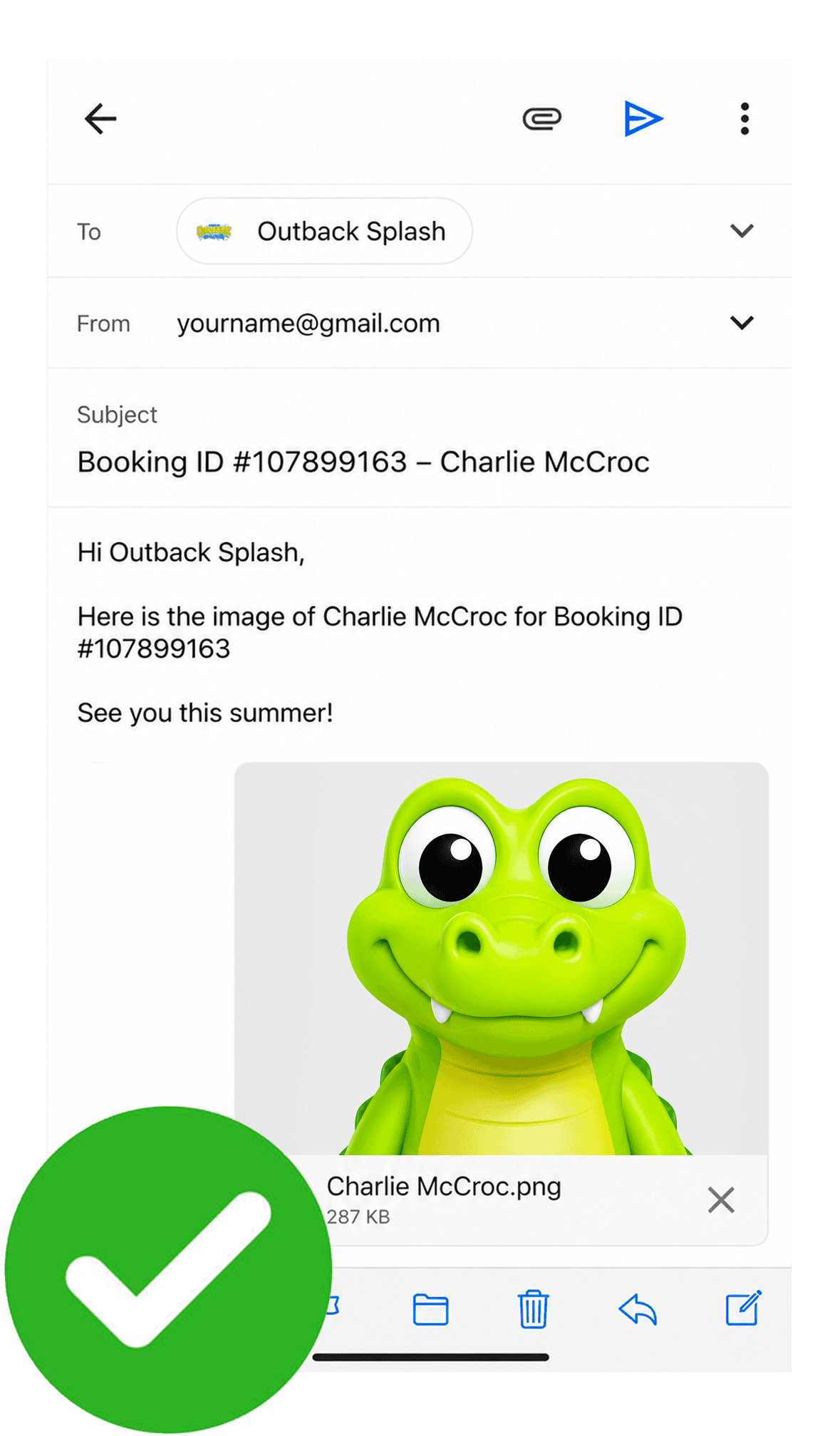
Include your Booking ID and the Member’s full name, then attach one clear photo of that Member.
Where possible, rename the image file using the Member’s name.
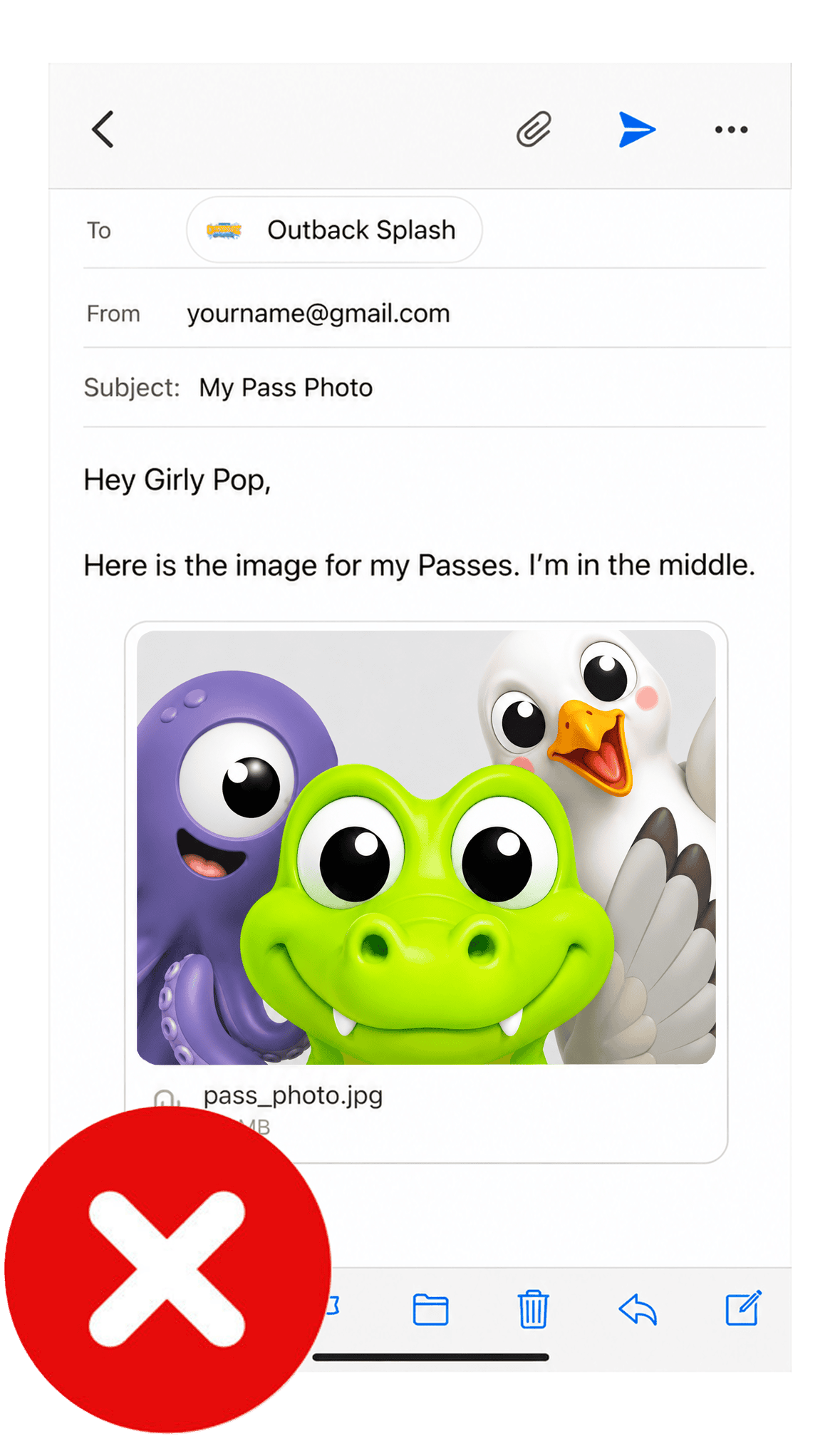
Do not send group photos or ask our Team to identify which person the Membership belongs to.
Each Member requires their own clearly labelled photo.
Before Your First Visit
Please submit Membership photos as soon as possible after purchasing.
Members cannot enter Perth’s Outback Splash until a current photo has been received and linked to their Season Pass.
Membership photos are used only to confirm the identity of the Member when entering the park. They are not shared publicly.